Why Your Document System Matters
Most households accumulate a surprising volume of records - tax returns, insurance policies, appliance warranties, medical summaries, lease agreements, and more. When something goes wrong (a disputed charge, a natural disaster, a move), not being able to locate the right document quickly becomes a genuine problem.
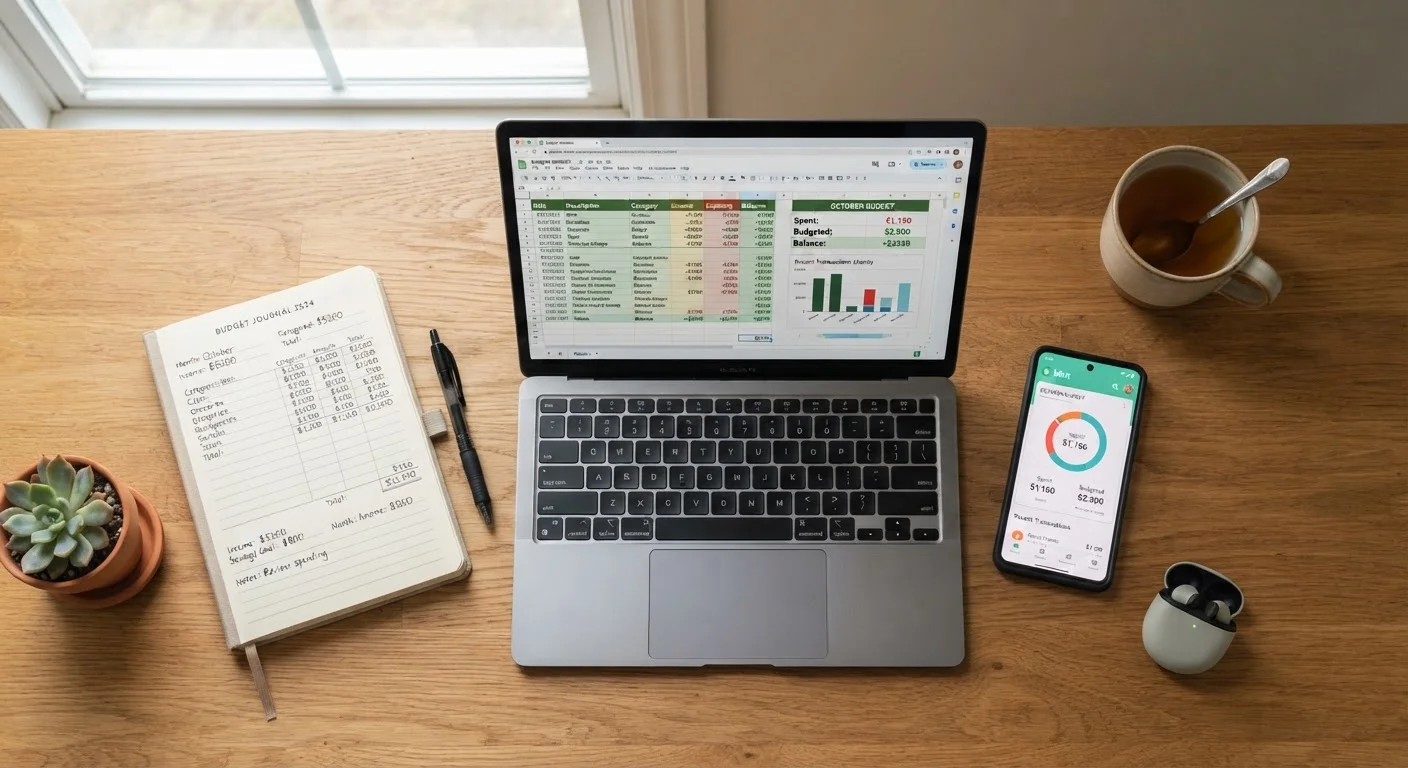
The goal isn't to build the most elaborate filing system; it's to create one that works reliably under pressure. That means choosing an approach that fits your space, your habits, and how your household actually operates. As you think about organization more broadly, the same principle applies to budgeting: see how it plays out in our guide on paper budgeting vs. spreadsheets vs. apps.
Paper Filing: Strengths and Limitations
A well-maintained physical filing system requires no power, no subscription, and no technical skill to access. For many people, handling paper feels intuitive - you can see what you have, annotate documents directly, and hand-filed papers don't vanish due to a software update.
However, paper has real vulnerabilities. Fire, flooding, and pests can destroy years of records in minutes. Paper also takes up space, and without consistent labeling, a filing cabinet can become difficult to navigate quickly. If your household is short on storage, consider how vertical storage strategies might help you fit a filing cabinet or binder system into a smaller footprint.
Don't Skip Physical Storage for Critical Originals
Some documents - including original wills, property deeds, and official identity documents - may need to be presented as physical originals in legal or government contexts. Relying solely on a scanned copy can create complications. Check with a legal professional if you're uncertain which documents in your situation require original preservation.
Paper is generally best for documents that are rarely accessed but must be preserved exactly - deeds, original birth certificates, signed contracts, and passports. For everyday reference documents, the search-and-retrieve overhead adds up.
Digital Storage: Convenience With Caveats
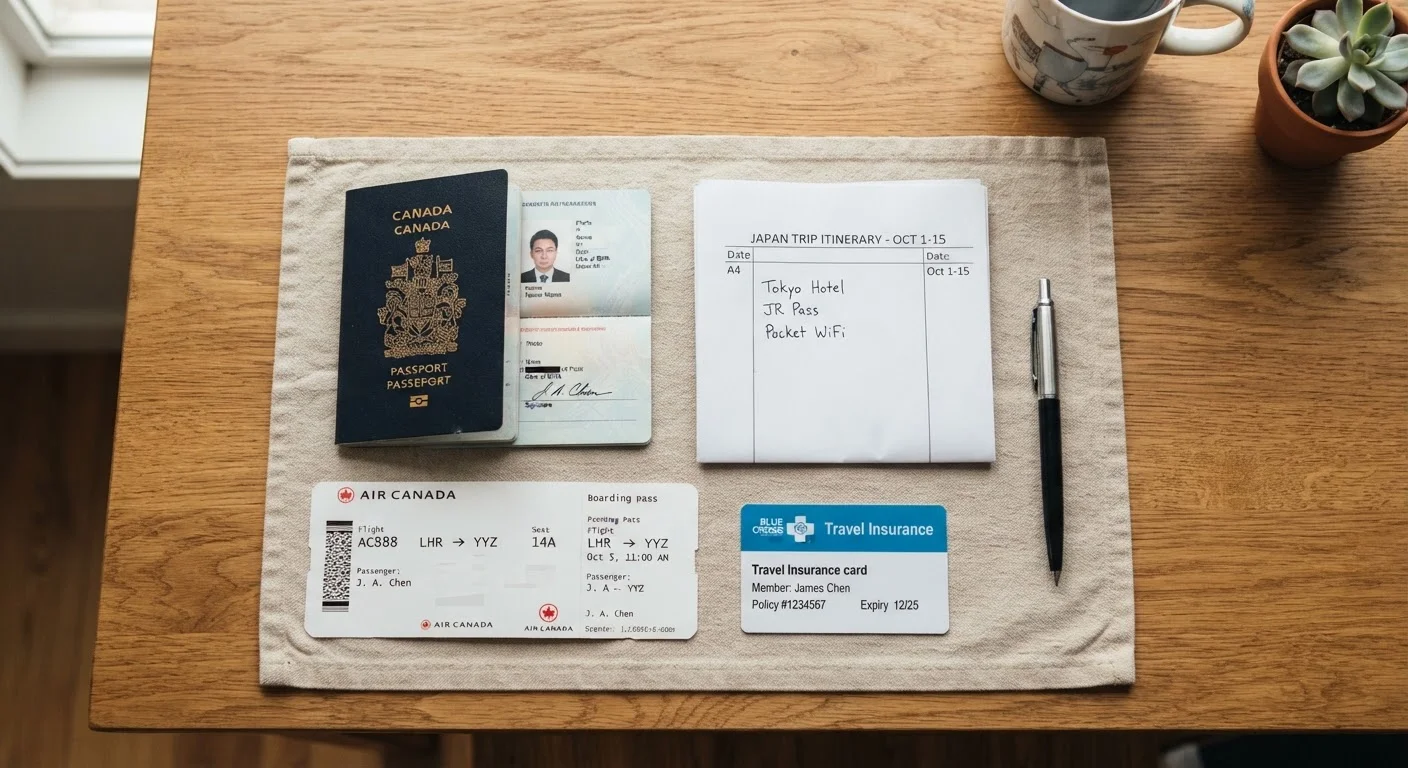
Scanning and storing documents digitally allows near-instant search, remote access, and effortless duplication for backup. Cloud-based storage means records are accessible whether you're at home, traveling, or dealing with an emergency from another state. For an overview of what documents deserve digital copies when you're away from home, the guide on travel document essentials is a practical companion.
The downsides are real. Digital records depend on consistent backup habits - a hard drive failure or an expired cloud subscription can mean lost files. Security matters too: documents stored online should be protected with strong passwords and, ideally, two-factor authentication. Formats also shift over time; a file scanned in an obscure format today may be harder to open a decade from now.
Back Up in Three Places
A reliable digital backup strategy often follows the 3-2-1 rule: keep three copies of important files, on two different types of media, with one stored offsite (such as a cloud service). This applies equally to scanned household documents. Even a free-tier cloud account combined with an external drive provides significantly more protection than a single local copy.
The Hybrid Approach: Combining Both Methods
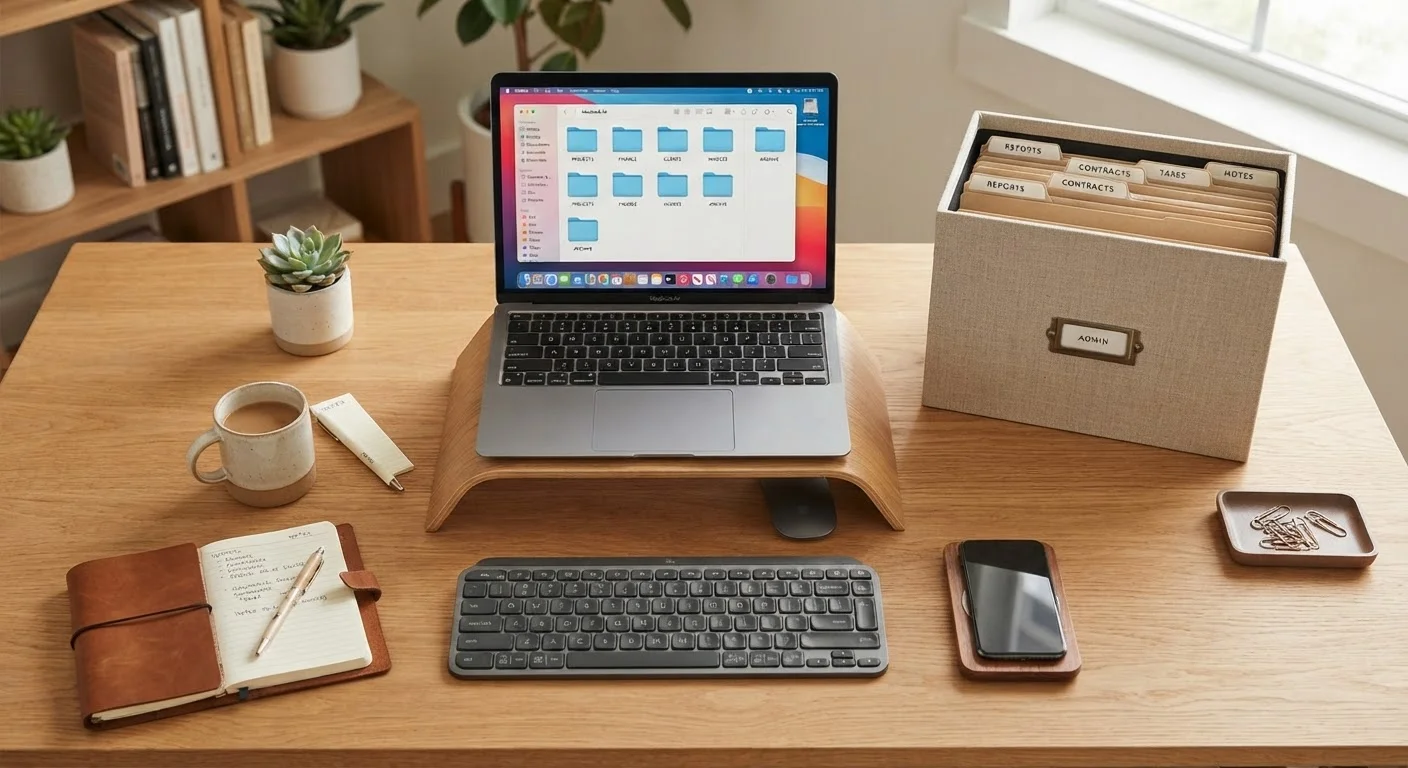
Most organizational experts and financial planners suggest a layered approach: physical originals for legally significant documents, with digital scans serving as accessible backups. This covers both failure modes - if your home floods, the digital copy survives; if your cloud account is compromised, the physical original remains.
| Paper | Digital | Hybrid | |
|---|---|---|---|
| Accessibility | Requires physical presence | Accessible anywhere with internet | Physical + remote access |
| Disaster resilience | Vulnerable to fire and flooding | Safe if backed up offsite | Strongest protection when combined |
| Space required | Moderate to high | Minimal physical space | Low to moderate |
| Technical skill needed | None | Low to moderate | Low to moderate |
| Security risks | Theft, physical damage | Hacking, account loss | Both risks, but managed separately |
| Search speed | Slow without good labels | Very fast with search tools | Fast for most documents |
| Legal acceptability | Universally accepted | Varies by document type | Originals preserved for legal use |
A practical hybrid setup might look like this: a fireproof home safe or a bank safe-deposit box holds originals of deeds, wills, birth certificates, and insurance policies. A labeled home binder or folder holds frequently referenced items like current utility account numbers, appliance manuals, and medical insurance cards. Scanned versions of all of the above live in a password-protected cloud folder, with periodic backups to an external drive.
If your household has multiple people with different organizational habits, deciding on a shared system early prevents gaps. Our article on organizing a home with others covers how to align on shared systems without friction.
Building a System You'll Actually Maintain
The best document system is the one you keep up with. A few habits make any approach more sustainable:
- Process documents promptly. Set aside a short window each week to file, scan, or discard new papers rather than letting them pile up.
- Use clear, consistent labels. Categories like "Insurance - Home," "Taxes - 2023," and "Appliance Warranties" are far more useful than vague folders labeled "Misc."
- Review annually. Most tax-related documents should be kept for at least seven years; many others can be shredded sooner. Check IRS guidance for current record-retention recommendations.
- Tell your household where things are. The system only works if someone else can navigate it in an emergency.
Document organization connects naturally to broader household financial habits. Understanding spending categories every household budget should include can also help you decide which financial records are worth keeping long-term.